Train a robot - press
Train robot to press a button
Setup
To train robot with a different behaviour, change values of following coefficients in config file. Values have to be between 0 - 2.
#Coefficients
"coefficient_kw"        : 1.1,
"coefficient_kd"        : 0.65,
"coefficient_ka"        : 0.5,
Reward is splitted into 3 parts, each part is multiplied by specific coefficient and at the end of episode summed up.
Coefficient_kw - multiplies distance between position of robot’s gripper and line - (initial position of robot, final position of robot)
Coefficient_kd - multiplies distance between task_object and robot’s gripper
Coefficient_ka - multiplies position of button
Training
To train model with default coefficients settings run following command
python train.py --config ./configs/train_press.json
The training will start with gui window and standstill visualization. New directory is created in the logdir, where training checkpoints, final model and other relevant data are stored.
After 100000 steps check the progress:
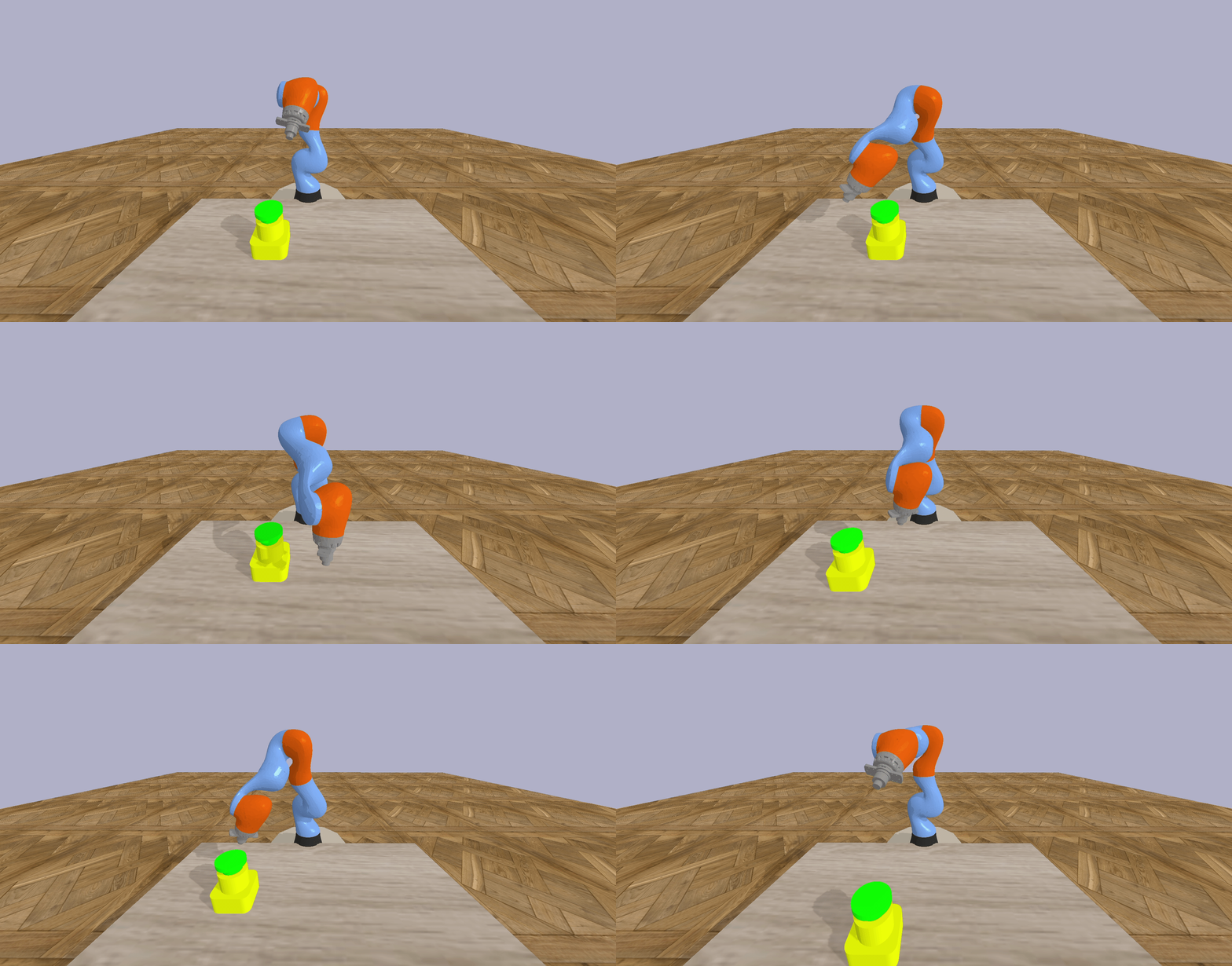
After 250000 steps the arm is able to switch the lever with 80% accuracy: